Payment Plans
Offer monthly, quarterly, or annual plans with automatic due tracking and reminders.
How to enable it
- 1
Log in as an Admin and open Addons from the sidebar.
- 2
Under For Your Business (Gym & Fitness), enable Payment Plans.
- 3
Assign plans from a member's profile.
Step by step
- 1
Assign a plan
Set the member's monthly, quarterly, or annual plan.
- 2
Track dues
See exactly who owes what.
- 3
Remind
Auto-nudge members with pending dues.
- 4
Collect
Record payments against a full history.
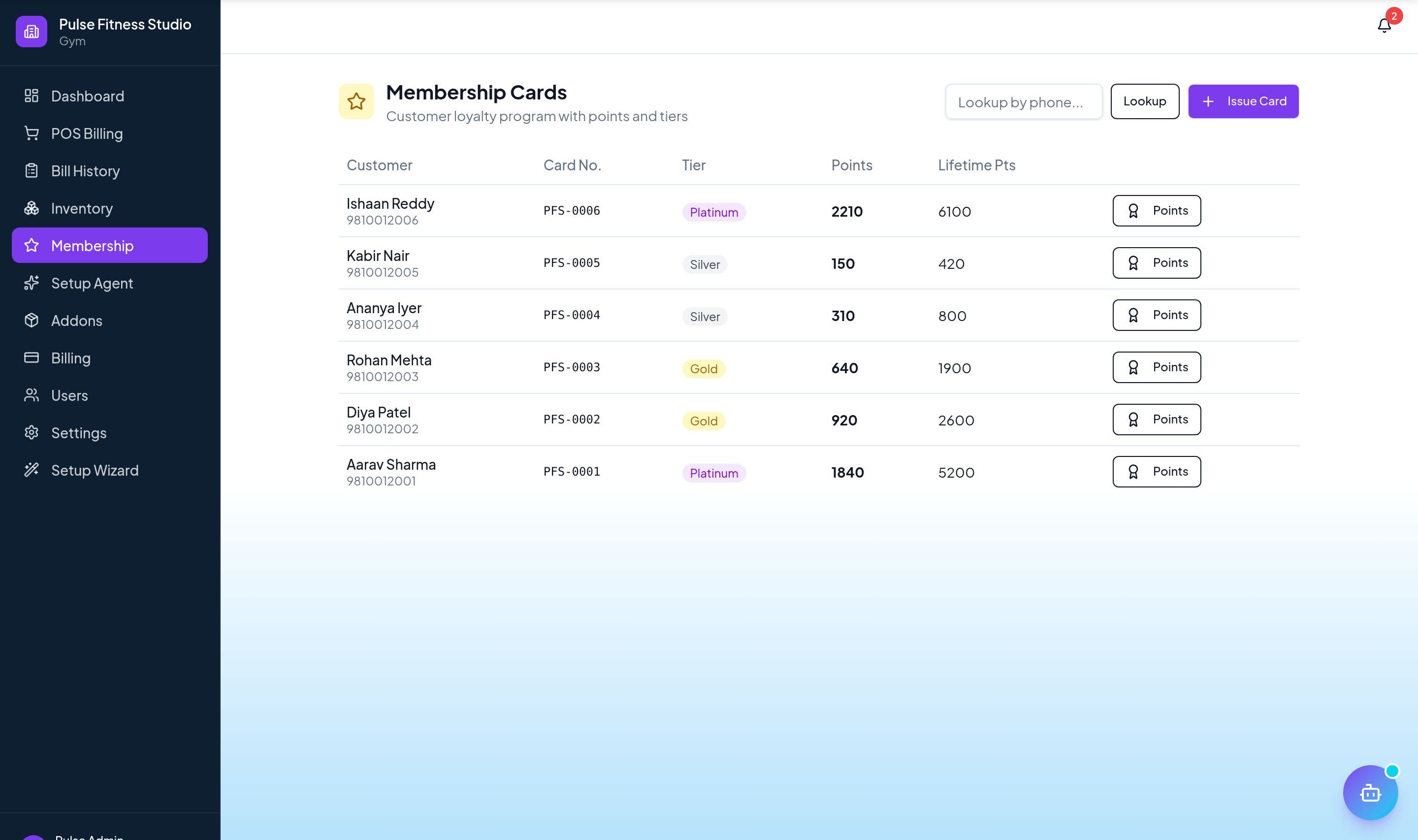
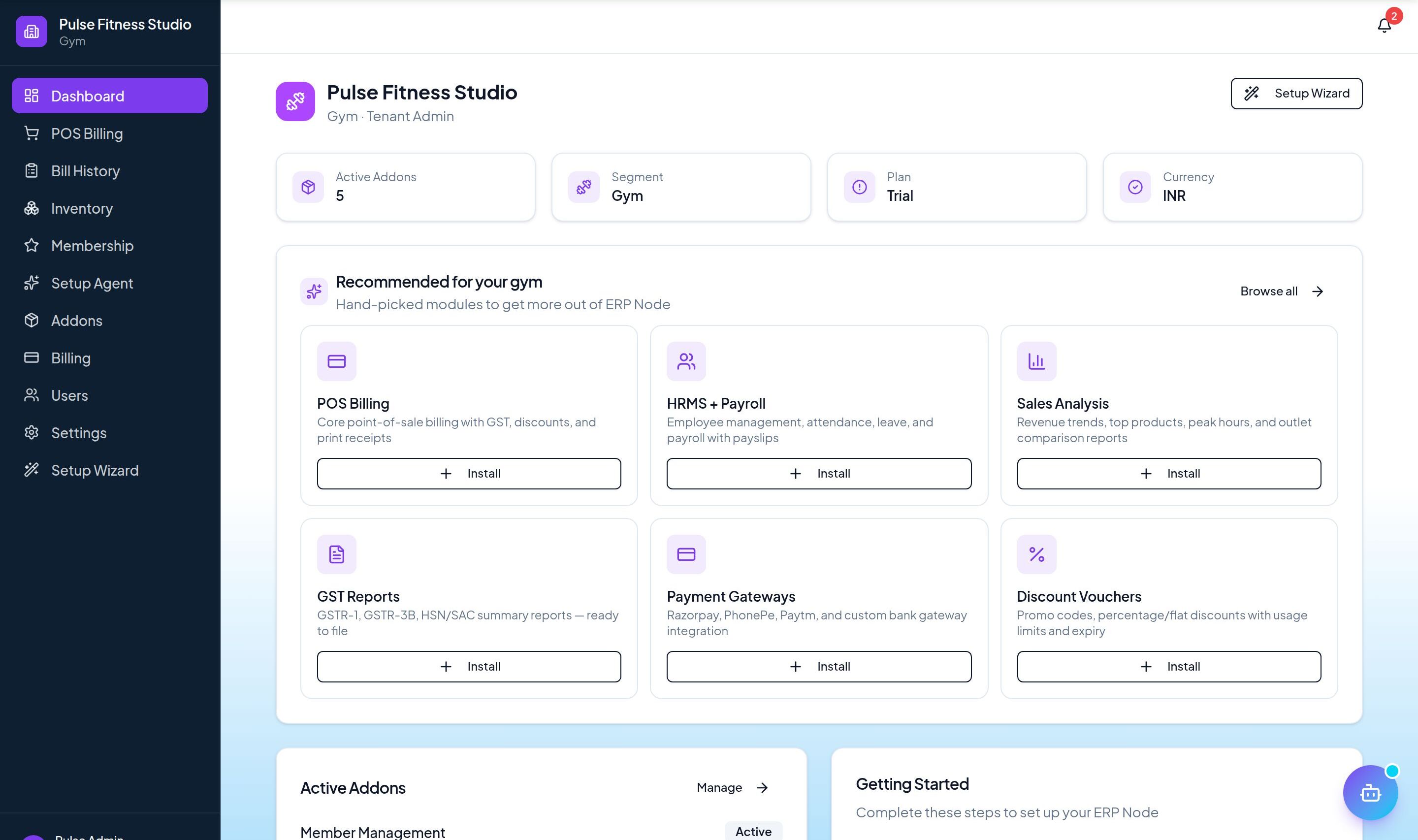
See it in the app
Want the full feature list?
See everything Payment Plans can do and what's included.
More Gym & Fitness guides
Member Management
Track members, plans, and renewals with reminders so no membership lapses unnoticed.
Attendance Tracking
Log member check-ins and monitor footfall and usage patterns over time.
Class Scheduling
Schedule classes, assign trainers, and let members book slots — with capacity limits handled for you.