All guides
Gym & Fitness
Class Scheduling
Schedule classes, assign trainers, and let members book slots — with capacity limits handled for you.
How to enable it
- 1
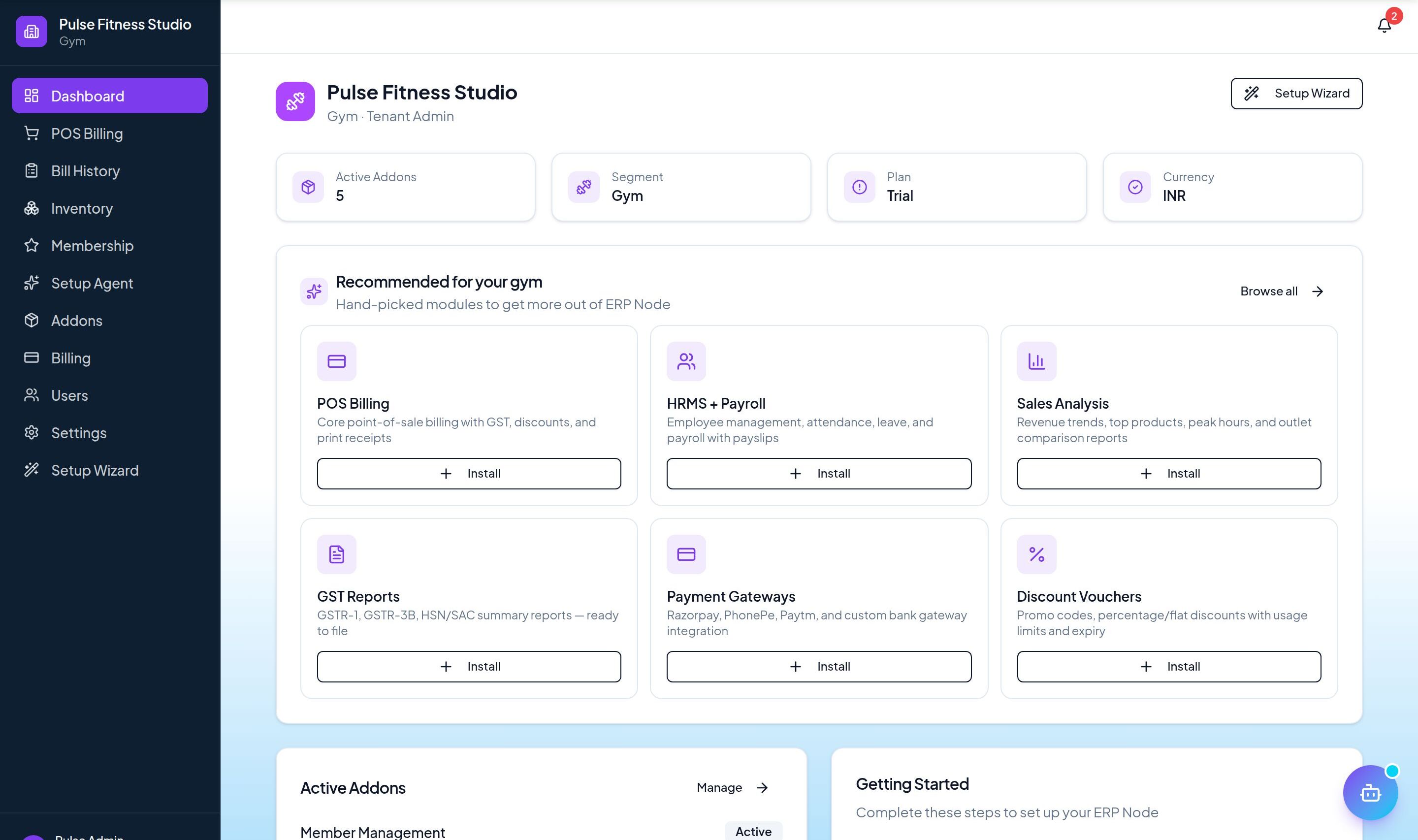
Log in as an Admin and open Addons from the sidebar.
- 2
Under For Your Business (Gym & Fitness), enable Class Scheduling.
- 3
Build your timetable from the dashboard.
Step by step
- 1
Schedule
Set classes and assign trainers on the calendar.
- 2
Members book
They reserve a spot online.
- 3
Cap sizes
Classes auto-cap at their capacity.
- 4
Run
Check attendees in for each class.
See it in the app
Want the full feature list?
See everything Class Scheduling can do and what's included.