ERP Node for Supermarts
Move stock fast, bill faster.
Barcode-driven billing, shelf and aisle tracking, and tight end-to-end stock control — with an online store that syncs to the same catalogue.
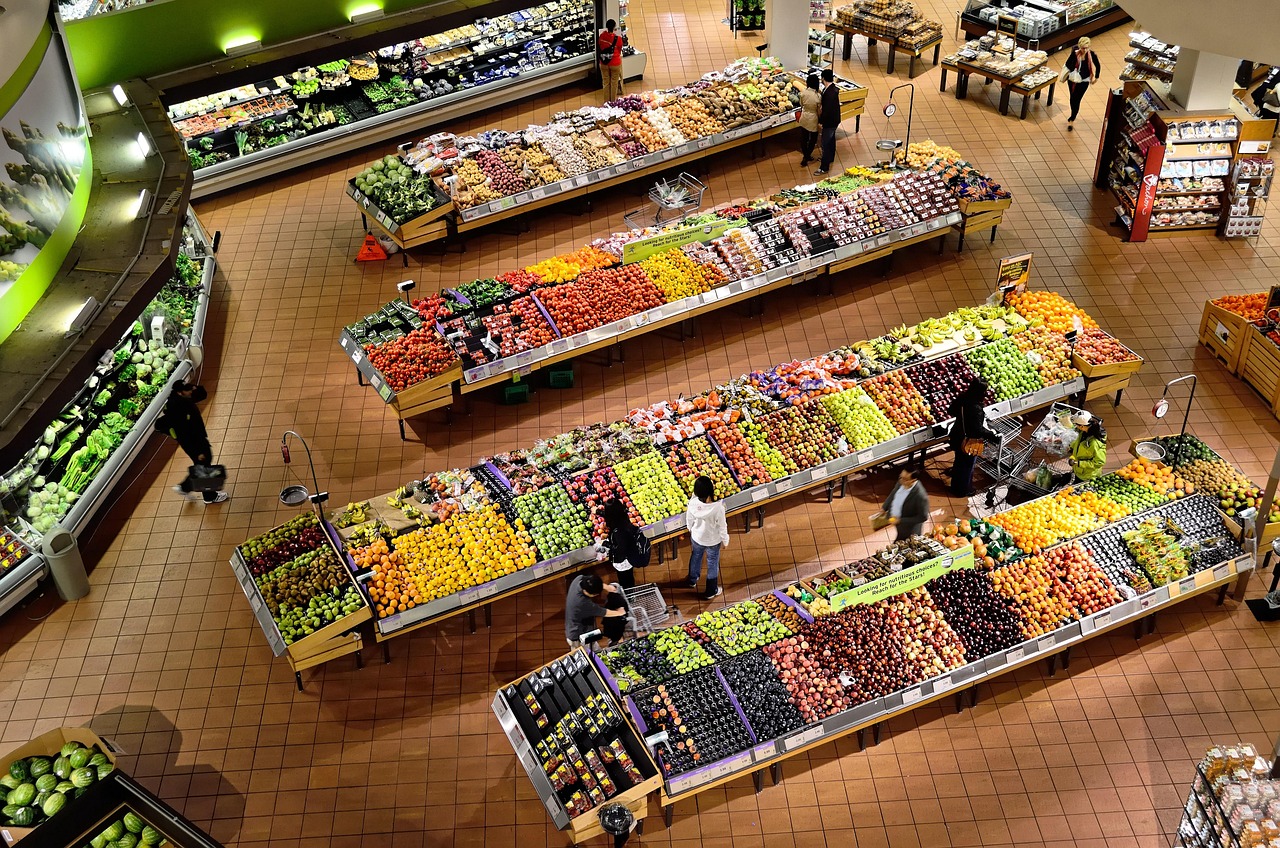
Who it's for
Supermarkets, department stores, and multi-aisle retail.
Live the same day
Sign up, configure, and start billing.
GST-ready & secure
Indian tax slabs and tenant isolation.
Any device
Works on tablet, desktop, or phone.
How ERP Node helps supermarts
Everything you need to run and grow the business.
Barcode billing
Scan-and-go checkout that keeps queues moving.
Shelf & aisle tracking
Know where every product lives across the store.
End-to-end stock control
Live stock, purchase orders, and low-stock alerts.
Ecommerce sync
One catalogue for the counter and your online store.

Why supermarts choose ERP Node
- Shorter checkout queues
- Never oversell out-of-stock items
- Reorder before shelves run empty
- Sell online without a second system
How to set up ERP Node for your supermarts business
From sign-up to your first bill — here's the exact path.
- 1
Sign up & pick Supermart
Choose Supermart as your business type to get retail modules pre-selected.
- 2
Import products
Load your catalogue with MRP, purchase price, GST slabs, and barcodes — bulk import supported.
- 3
Enable stock addons
Switch on Inventory, Barcode Generator, and Shelf Tracking to keep every aisle counted.
- 4
Open the counter
Scan, bill, and print receipts — reorder alerts fire before shelves go empty.
Which addons should you enable?
No more guessing what each addon does — here's what to switch on for a supermarts business, and exactly what each one will do for you.
Inventory
Know exactly what's in stock, always.
Tracks stock across the store, raises purchase orders, and alerts you before fast movers run out.
Barcode Generator
Print barcodes for anything.
Print your own barcodes and shelf price labels for loose and repacked items.
Shelf Tracking
Keep every shelf stocked.
Know which aisle and shelf every SKU sits on, with auto-reorder points per shelf.
Stock Management
Control stock from purchase to sale.
Multi-location stock with transfers between godown and shop floor, plus audit-ready ledgers.
Ecommerce Sync
One catalog, online and offline.
Push your catalogue and live stock to WooCommerce or Shopify without double entry.
Membership Cards
Loyalty that keeps them coming back.
Loyalty points on every bill keep regular households coming back to your store.