ERP Node for Grocery Store
Fast counters, home delivery, and khata.
Bill loose and packaged goods fast, take home-delivery orders, and keep credit khata for regulars — with low-stock alerts so shelves stay full.
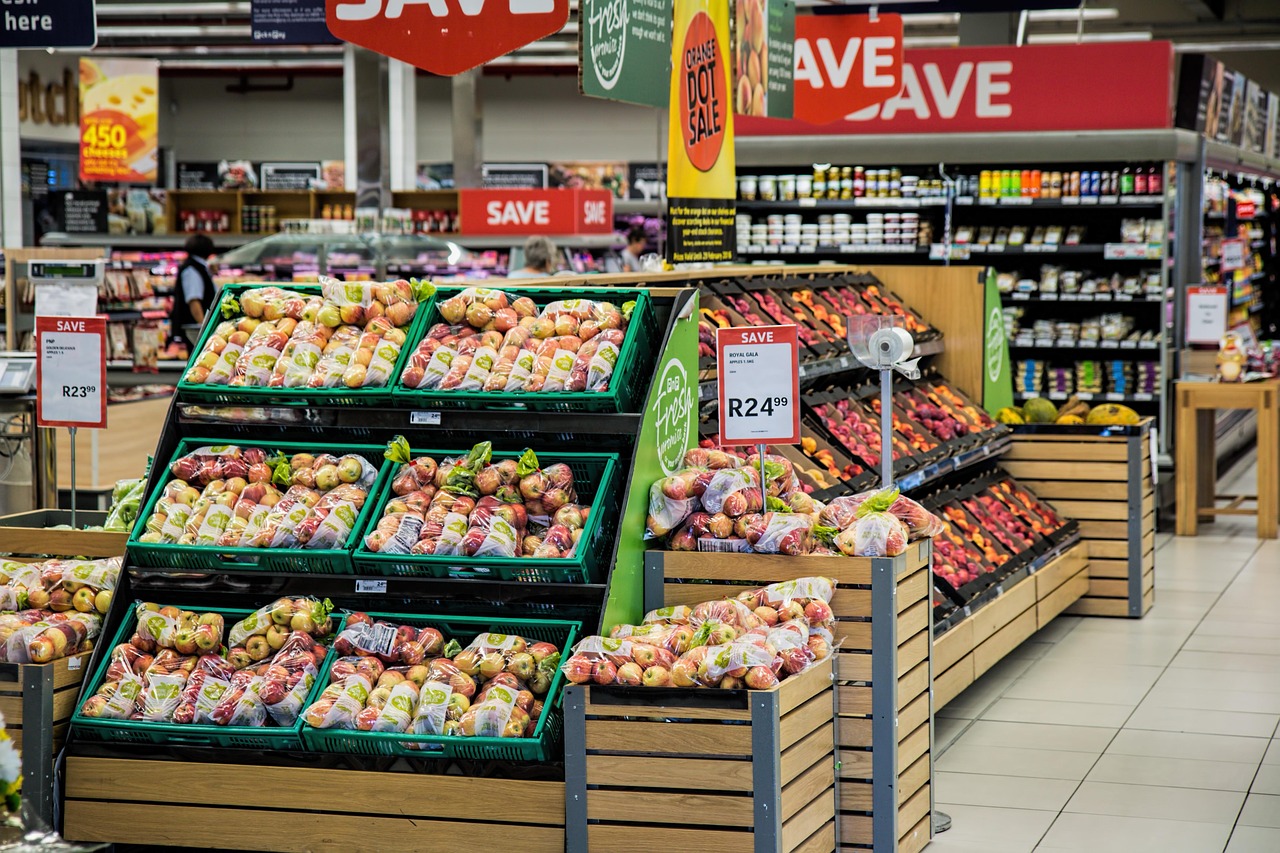
Who it's for
Kirana stores, grocery shops, and neighbourhood marts.
Live the same day
Sign up, configure, and start billing.
GST-ready & secure
Indian tax slabs and tenant isolation.
Any device
Works on tablet, desktop, or phone.
How ERP Node helps grocery store
Everything you need to run and grow the business.
Loose & packed billing
Sell by weight or unit with quick, barcode-ready checkout.
Home delivery
Take delivery orders and dispatch to nearby customers.
Credit khata
Track regular customers' dues and settle later.
Low-stock alerts
Reorder essentials before they run out.

Why grocery store choose ERP Node
- Shorter queues at the counter
- Extra sales from home delivery
- No lost track of customer credit
- Shelves stay stocked
How to set up ERP Node for your grocery store business
From sign-up to your first bill — here's the exact path.
- 1
Sign up & pick your segment
Choose Supermart/Retail for a kirana-friendly POS.
- 2
Load daily items
Add products with loose-quantity units, MRP, and quick-bill shortcuts.
- 3
Enable store addons
Switch on Inventory, Barcode Generator, and WhatsApp Business.
- 4
Serve the neighbourhood
Bill fast at rush hour and take WhatsApp orders for home delivery.
Which addons should you enable?
No more guessing what each addon does — here's what to switch on for a grocery store business, and exactly what each one will do for you.
Inventory
Know exactly what's in stock, always.
Daily-consumption tracking with alerts before staples like atta and oil run out.
Barcode Generator
Print barcodes for anything.
Barcode loose repacks (dal, rice, spices) with weight and price.
Delivery Management
Assign, dispatch, and manage deliveries.
Assign home deliveries to your delivery boy and track pending drops.
WhatsApp Business
Reach customers where they already are.
Take list-style orders on WhatsApp and send bill and delivery updates back.
GST Reports
Filing-ready GST in a click.
Composition or regular — your GST summaries stay filing-ready.