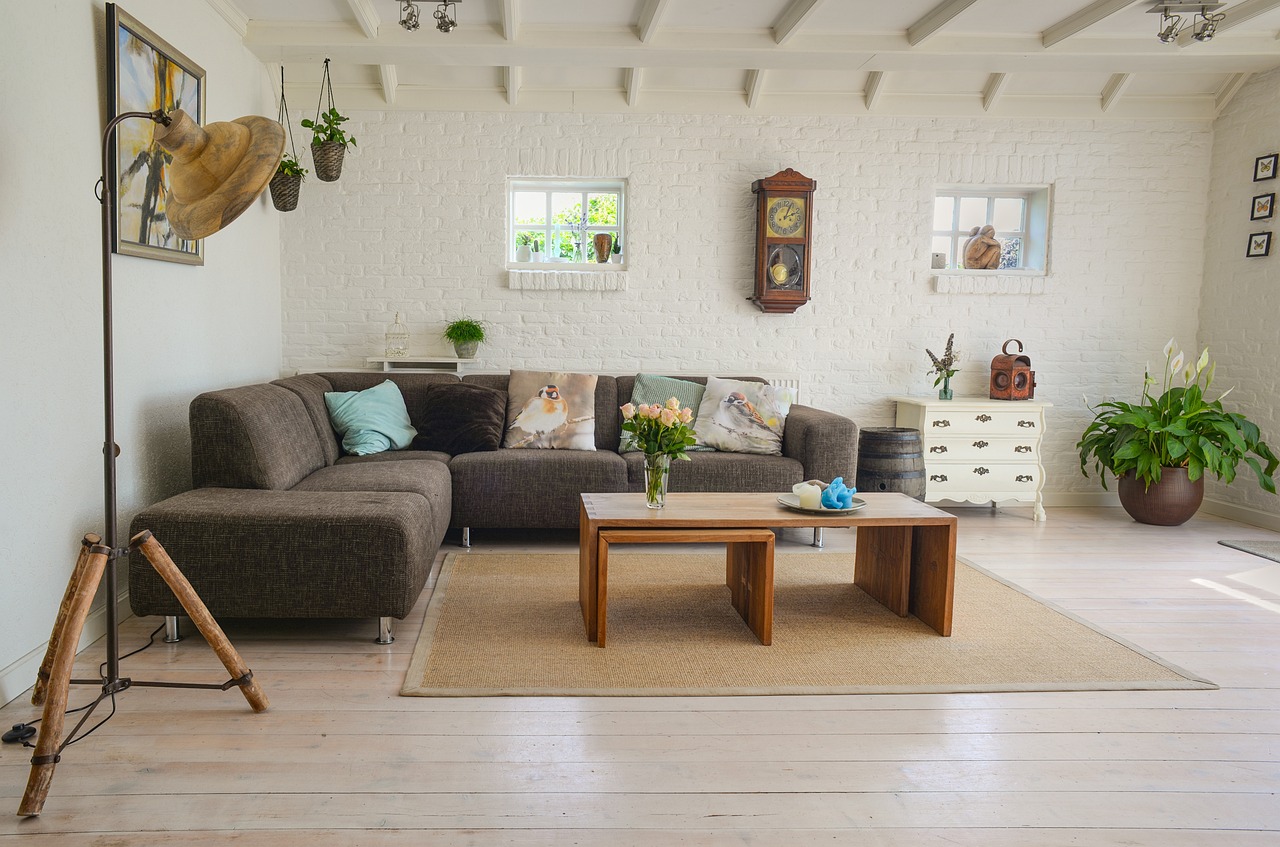
Who it's for
Furniture showrooms, modular kitchen studios, and home décor stores.
Live the same day
Sign up, configure, and start billing.
GST-ready & secure
Indian tax slabs and tenant isolation.
Any device
Works on tablet, desktop, or phone.
How ERP Node helps furniture
Everything you need to run and grow the business.
Material & finish variants
One product, many options — fabric, wood, size, and colour, each with its own price.
Advance & part payments
Take a booking advance now and settle the balance on delivery.
Delivery scheduling
Assign and track deliveries and installation to the customer's door.
Showroom-to-warehouse stock
See what's on display and what's in the warehouse at a glance.
Why furniture choose ERP Node
- No confusion on which variant was sold
- Cash flow from advance bookings
- Fewer missed or late deliveries
- GST invoices ready for every big sale
How to set up ERP Node for your furniture business
From sign-up to your first bill — here's the exact path.
- 1
Sign up & pick your segment
Choose Supermart/Retail as your business type for a showroom-ready POS.
- 2
Load your catalogue
Add products with variants (size, finish, fabric), HSN codes, and GST slabs.
- 3
Enable delivery addons
Switch on Inventory and Delivery Management for godown stock and home deliveries.
- 4
Bill your first order
Take advances on orders, schedule delivery, and invoice with GST.
Which addons should you enable?
No more guessing what each addon does — here's what to switch on for a furniture business, and exactly what each one will do for you.
Inventory
Know exactly what's in stock, always.
Track showroom and godown stock separately, with purchase orders to your manufacturers.
Delivery Management
Assign, dispatch, and manage deliveries.
Schedule home deliveries, assign delivery staff, and track each order to the doorstep.
Payment Gateways
Accept online payments your way.
Collect booking advances via Razorpay or PhonePe links for big-ticket orders.
GST Reports
Filing-ready GST in a click.
GSTR-1 and GSTR-3B ready to file — critical when every sofa crosses the invoice threshold.
Storefront
Your own online ordering page.
A public catalogue page customers browse before visiting the showroom.