OTA Integration
Connect online travel agencies so bookings and availability stay in sync — fewer overbookings, more reach.
How to enable it
- 1
Log in as an Admin and open Addons from the sidebar.
- 2
Under For Your Business (Hotel), enable OTA Integration (premium).
- 3
Open OTA from the sidebar.
Step by step
- 1
Connect
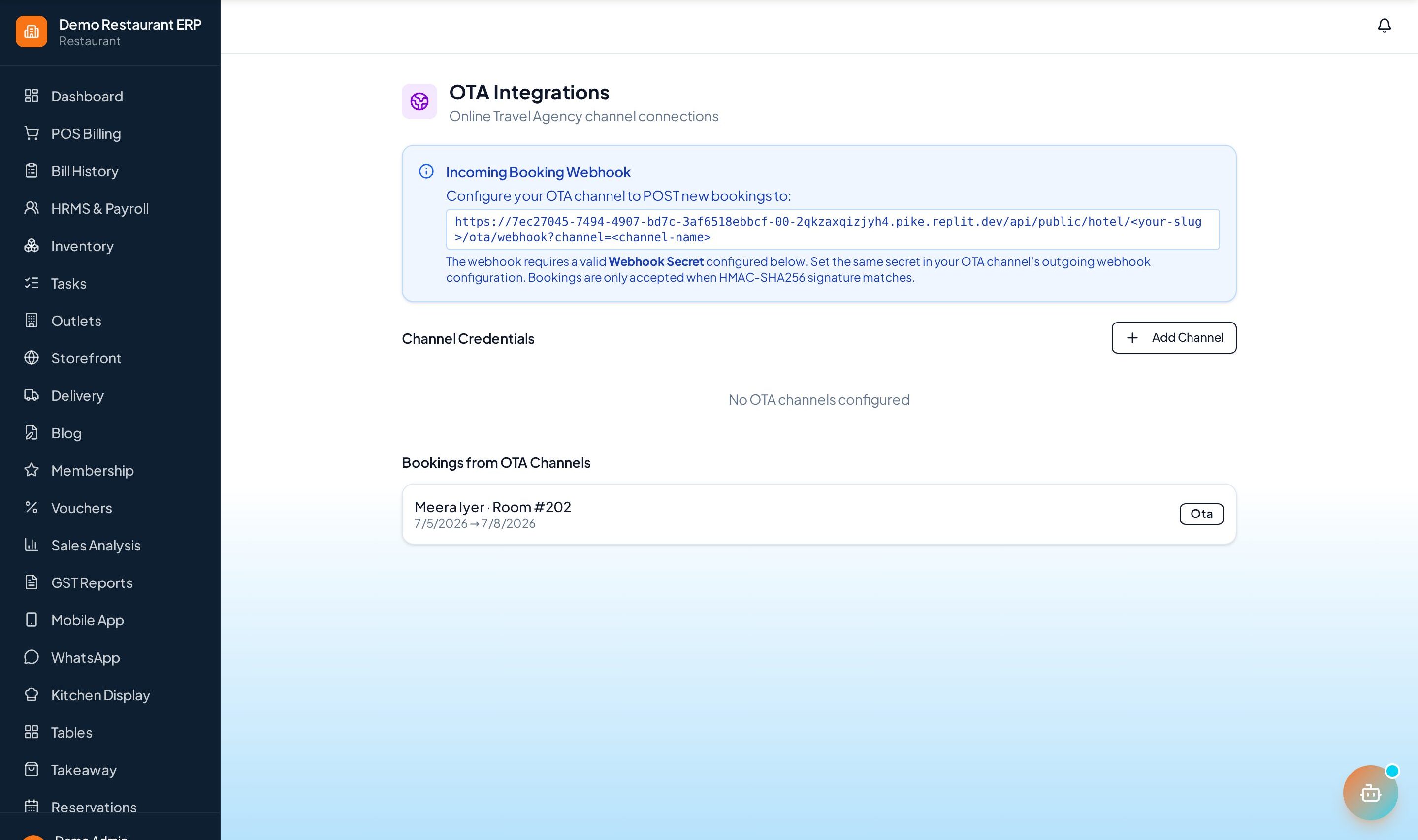
Link your OTA accounts (Booking.com, Expedia, MakeMyTrip).
- 2
Sync
Push availability and rates to every channel.
- 3
Import bookings
OTA reservations flow into one place.
- 4
Manage
Keep rate parity and reduce overbookings.
See it in the app
Want the full feature list?
See everything OTA Integration can do and what's included.
More Hotel guides
Room Reservation
Manage room availability, rates, and reservations on a clear calendar — from enquiry to confirmed booking.
Housekeeping
Assign and track room cleaning so the front desk always knows which rooms are ready to sell.
Folio Billing
Post room, restaurant, and service charges to a running guest folio and settle it all at checkout.