Barcode Generator
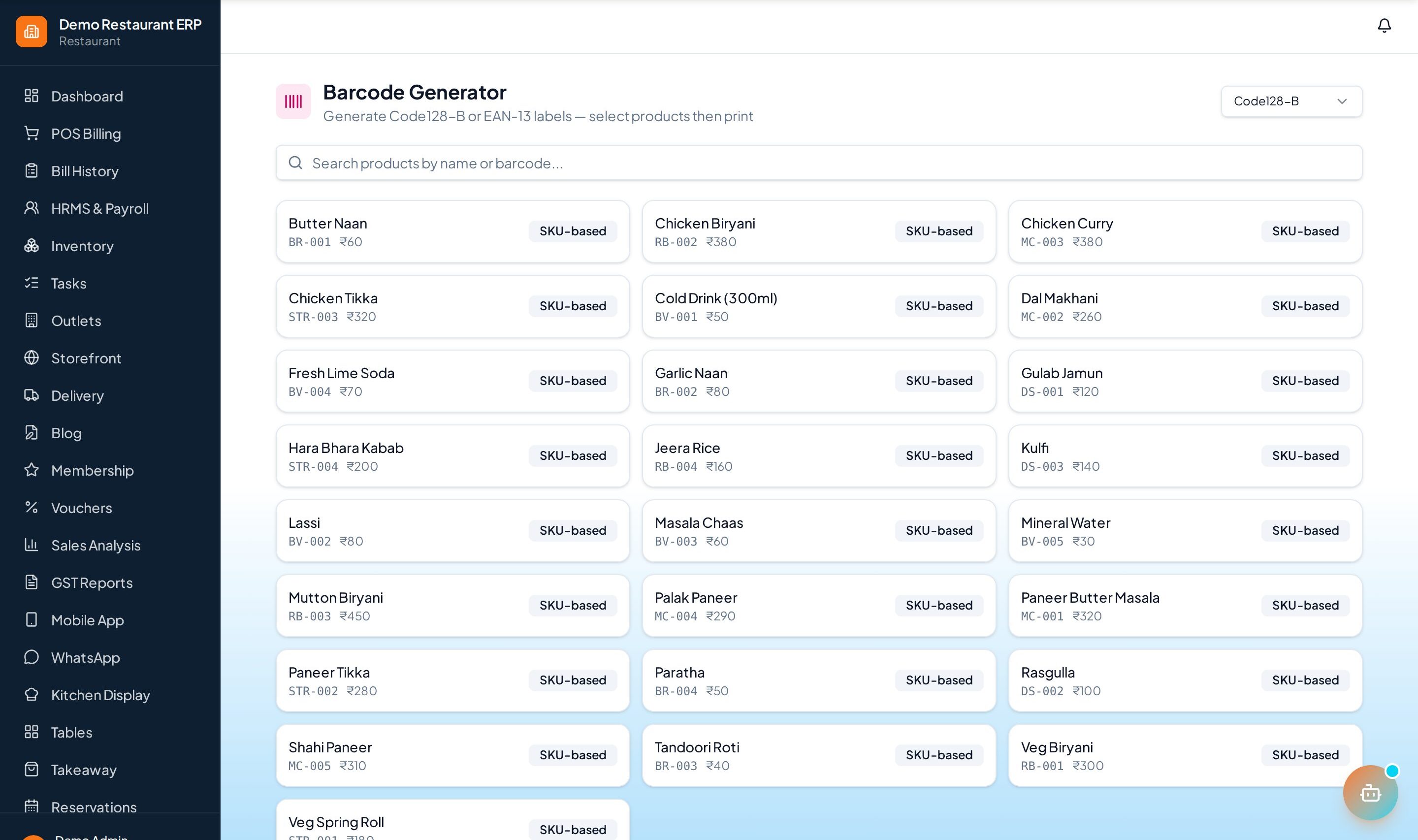
Generate and print barcode labels for products so checkout is a quick scan away.
How to enable it
- 1
Log in as an Admin and open Addons from the sidebar.
- 2
Under For Your Business (Supermart), enable Barcode Generator.
- 3
Open Barcode Generator from the sidebar.
Step by step
- 1
Select items
Pick the products to label.
- 2
Generate
Create barcodes in bulk with price and name.
- 3
Print
Print on standard label sizes.
- 4
Scan at POS
Scan to look up and bill items instantly.
See it in the app
Want the full feature list?
See everything Barcode Generator can do and what's included.
More Supermart guides
Shelf Tracking
Monitor shelf- and aisle-level stock and get restock alerts so popular items never go missing.
Ecommerce Sync
Keep your online store and in-store stock in sync so you never sell what you don't have.
Stock Management
End-to-end stock control — purchasing, transfers, adjustments, and valuation across your store.