Live in minutes
Switch it on — no setup project.
Secure by default
Role-based access & tenant isolation.
Any device
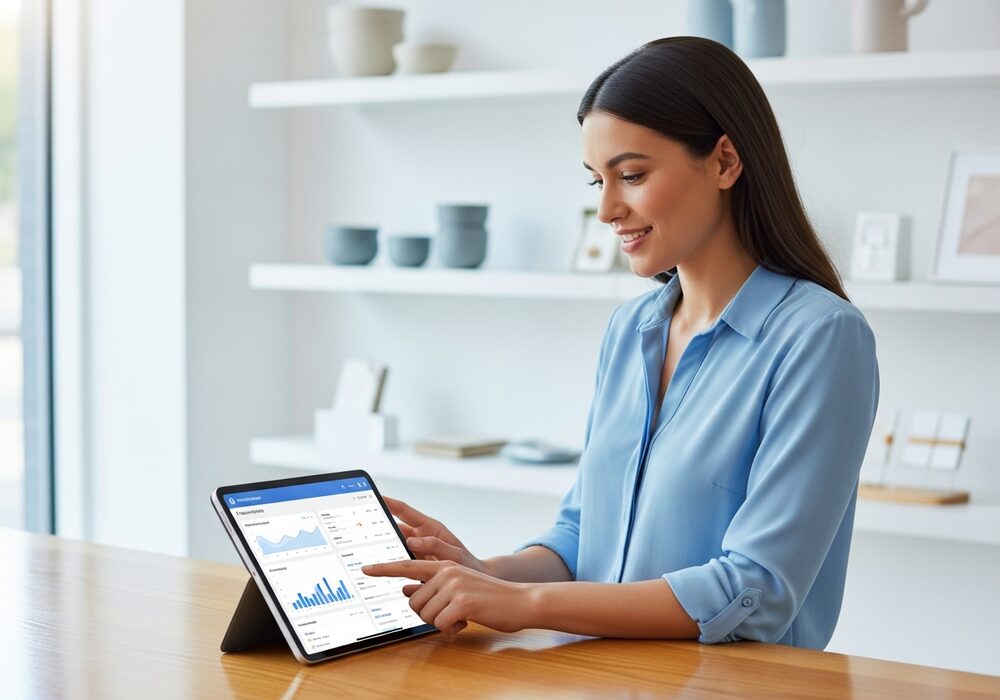
Works on tablet, desktop, or phone.
Features
Everything Kitchen Display System brings to your business.
Live ticket queue
New, preparing, and ready tickets update automatically every few seconds.
Full prep detail
Items, quantities, table labels, and special instructions on every card.
Any screen works
A browser-capable TV, monitor, or tablet is all you need.
Secure display link
Each screen gets its own private URL — rotate it anytime.
Why you'll love it
- No paper tickets
- Nothing gets missed
- Kitchen sees orders instantly
- Zero special hardware
How it works
- 1
Add a KDS device
Register the screen and copy its display link.
- 2
Open the link
Put it full-screen on the kitchen monitor.
- 3
Cook
Tickets appear and update live as orders flow in.